Excel and paper invoices under Fawtara
Excel and paper invoices under Oman's Fawtara e-invoicing: why a PDF is not an e-invoice, and how to clean and map invoice data before your rollout date.
The short answer
Excel, Word, or paper invoices will not satisfy Fawtara on their own. Under Oman's e-invoicing rules the compliance record is a structured XML e-invoice, and a PDF is not an e-invoice. You can keep your current system, but invoice data must be cleaned, mapped to Oman's requirements, and sent through an accredited service provider before your rollout date.
Guide overview
Excel and paper invoices under Fawtara
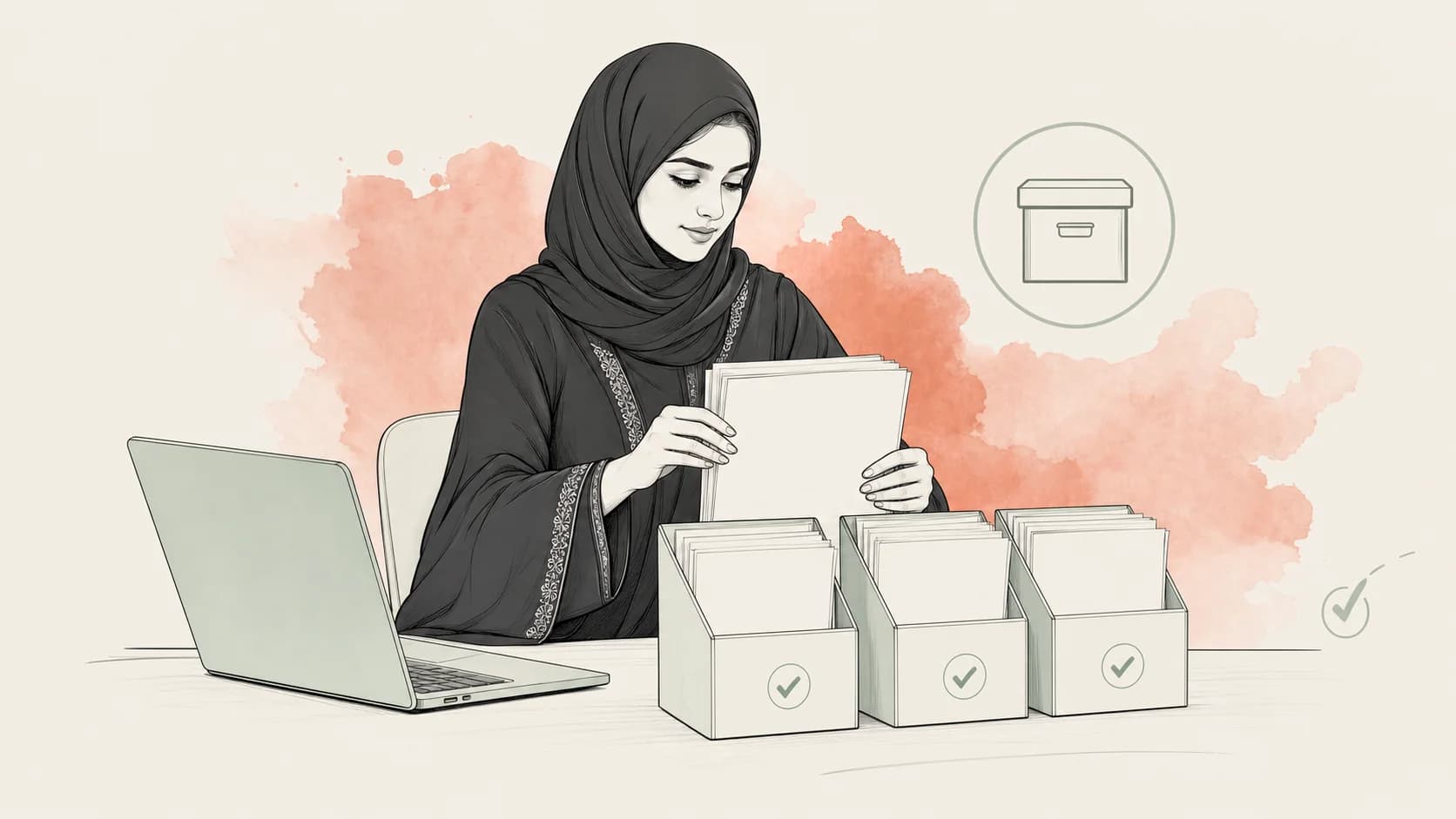
Many Oman SMEs still create invoices in Excel, Word, accounting templates, or paper books. That does not mean they can ignore Fawtara. If the business is VAT registered and falls into a rollout group, it will need a compliant e-invoicing process by its deadline.
The practical message is direct: Excel can help you prepare invoice data, but a spreadsheet or PDF is not the final Fawtara compliance process by itself.
What changes for Excel users?
Excel is familiar, flexible, and useful for small teams. It is also easy to break: columns change, customer names are typed differently, VAT numbers are incomplete, and invoice types may be mixed in one sheet.
Fawtara makes these problems visible because structured e-invoicing needs consistent fields. A business should know exactly where each invoice value comes from and whether it is reliable.
Common Excel gaps:
- customer VATIN is missing or inconsistently formatted;
- invoice numbers are not sequential or are reused across branches;
- item descriptions are too vague for tax review;
- tax category and VAT rate are typed manually;
- credit notes and debit notes are not linked to the original invoice;
- B2B and B2C invoices are mixed without clear flags;
- exports, imports, and self-billing cases are not separated;
- totals are formulas, but the formula logic is not protected or reviewed.
None of these are impossible to fix. They simply need to be fixed before integration and testing, not during the final week before go-live.
What changes for paper or manual invoices?
Paper processes create a bigger readiness gap because the structured data may not exist anywhere cleanly. A handwritten or manually typed invoice can show a customer what they bought, but it does not automatically produce structured XML, validation history, submission timestamps, or a reliable archive.
A paper-based business should start by creating a digital invoice register. The register does not need to be the final system, but it should capture the fields the business uses today and expose what is missing.
At minimum, collect:
- invoice number and issue date;
- customer name and VATIN where applicable;
- seller branch or location;
- supply type and customer type;
- line items, quantities, unit prices, discounts, and VAT rates;
- invoice total, taxable amount, VAT amount, and currency;
- credit note or debit note references;
- whether the transaction is B2B, B2C, export, import, or self-billing.
This register becomes the starting point for provider conversations and data cleanup.
Do not build a PDF-to-compliant-XML shortcut
It is tempting to think: "Can we upload our PDF invoices and convert them to compliant XML?"
For compliance, that is risky. A PDF often does not contain all structured fields needed for a valid e-invoice. Even when the text is visible, the PDF may not reliably identify tax categories, customer identifiers, correction references, document types, or field-level validation rules.
A raw PDF-to-compliant-XML converter is unsafe for this reason: a tool that invents missing fields would produce invoices the business cannot defend. A safer path is a controlled template or structured export where the business supplies each required field intentionally.
A readiness path for Excel and paper businesses
Use this sequence before choosing a provider or replacing software.
| Step | What to do |
|---|---|
| 1. Confirm scope | Check whether the business is VAT registered and use the OTA rollout checker for the deadline. |
| 2. List invoice sources | Include Excel files, paper books, POS receipts, accounting software, branch templates, and manual forms. |
| 3. Standardize invoice types | Separate B2B, B2C, exports, imports, credit notes, debit notes, and self-billing cases. |
| 4. Clean master data | Fix customer names, VATINs, item names, tax rates, branch codes, and duplicate records. |
| 5. Create a structured template | Use stable columns, locked formulas, required fields, and validation hints. |
| 6. Test with real samples | Use recent invoices, including edge cases, not only a clean sample invoice. |
| 7. Choose the provider path | Pick a service provider or connector only after the data map is understood. |
| 8. Plan archive access | Confirm how structured invoices, corrections, and validation results will be stored and exported. |
What a good Excel template should do
An Excel template for Fawtara readiness should not pretend to be the whole compliance system. Its job is to make invoice data consistent enough to map and test.
A useful template should:
- separate seller, buyer, invoice header, line items, totals, and tax information;
- require document type and customer type;
- flag missing VATINs where VATIN is needed;
- keep credit/debit note references visible;
- separate B2B and B2C cases;
- include validation hints for required fields;
- avoid free-text fields where a controlled option is safer;
- export cleanly to a format a provider or connector can use.
The template should also include bilingual labels where staff issue Arabic and English invoices. The OTA FAQ confirms bilingual invoices are supported under Oman VAT legislation.
When to move beyond Excel
Excel may be enough for readiness mapping and low-volume preparation. It may not be enough for daily operations after go-live if the business has high invoice volume, several branches, multiple users, or complex corrections.
Consider moving to accounting software, ERP integration, or a provider portal when:
- invoice volume is too high for manual entry;
- several staff issue invoices at the same time;
- branches use different templates;
- validation errors need fast correction;
- B2B invoices need reliable real-time handling;
- B2C volume makes timely submission control difficult;
- archive and audit retrieval need stronger access controls.
What is not safe to claim yet
Do not publish or rely on the following without a current primary source:
- exact final PINT-OM field names inside a public template;
- exact validation-rule counts;
- exact QR/TLV details;
- how the Tax Authority will set the fine, within Article 202(4)'s range of OMR 500–5,000, for invoices issued in a non-compliant format (penalties guide);
- claims that a spreadsheet alone is a compliant production system.
The safe guidance is narrower: use Excel to structure and clean data, then map that data into the required Fawtara process through a verified provider or approved route.
Next step
Gather the last 20 invoices your business issued. Include normal invoices, B2C invoices, credit notes, debit notes, and any unusual cases. Put them into one structured register and mark every field that is missing, inconsistent, or manually guessed.
That exercise will show whether your problem is software, data, process, or all three.
Continue your readiness plan
Put the next source in context
Move between reviewed guidance, official video material, and the planning checker.
Tally and accounting software under Fawtara
Use source-grounded guides to plan the next business or technical step.
B2B and B2C invoice flows under Fawtara
Use source-grounded guides to plan the next business or technical step.
Tax Invoices
See the related official material with reviewed bilingual notes and key moments.
Excel invoice template
Move from reading into a planning, invoice-data, or developer tool for this topic.
Check your Fawtara readiness
Use the self-declared planning checker, then confirm your position through official channels.
Ask Fawtara Assistant
Continue with a cited answer from the approved Fawtara source corpus.
From Omajan
Check your invoices in Omajan
Issue Arabic and English VAT tax invoices today, each checked against the official PINT OM rules, and see what to fix before your Fawtara date. Starts with a 90-day evaluation period.
Excel invoice data template
Use the template to collect invoice data before provider mapping and cleanup work.
Get Fawtara updates
Get reminders and updates when official timing or guidance changes.
Sources
- https://tms.taxoman.gov.om/portal/e-invoicing
- https://tms.taxoman.gov.om/portal/rollout-checking
- Monthly FAQ's.pdf, Oman Tax Authority Fawtara FAQ, last updated 30 June 2026
This page is informational and not tax advice. Confirm taxpayer-specific obligations through official channels.